Patch Notes
v1.0.26
API Support
Playtest Room
New
- Preview and Peek: Press or Hold. A new option in Player Options under Play Behavior. Press (the default) opens the preview on a tap and closes it on the next tap. Hold shows the preview only while the key is held down. Your choice is remembered per browser.
- Camera Views for everyone. Saving and managing camera views tool is no longer host only and is accessible via the Player Options menu. Every player keeps their own set of views, and any slot they have not set falls back to the host's view for the setup. The host still sets the setup baseline that everyone starts from, and only the host can clear a setup view for the whole table.
Fixed
- Hotkeys no longer act on locked components. With something selected, pressing a hotkey while hovering a locked board used to affect the locked board as well. This affected flip, shuffle, roll, the number keys for dice, send to hand, scale up and down, and send to back. Rotate and delete were already protected.
- Dragging a multi-selection into a grid zone now adds all of it. Only the component under the cursor was joining the zone, and the grid rearranged itself repeatedly as the rest settled. The whole selection now joins at once, in a single layout pass.
- Scaled components now line up in grid zones. Components at a scale other than 100% were placed up and to the left of their slot, which pushed the entire grid off centre inside the zone. Components of different sizes are also now centred within their grid cell.
- Other various bug fixes.
Developer API
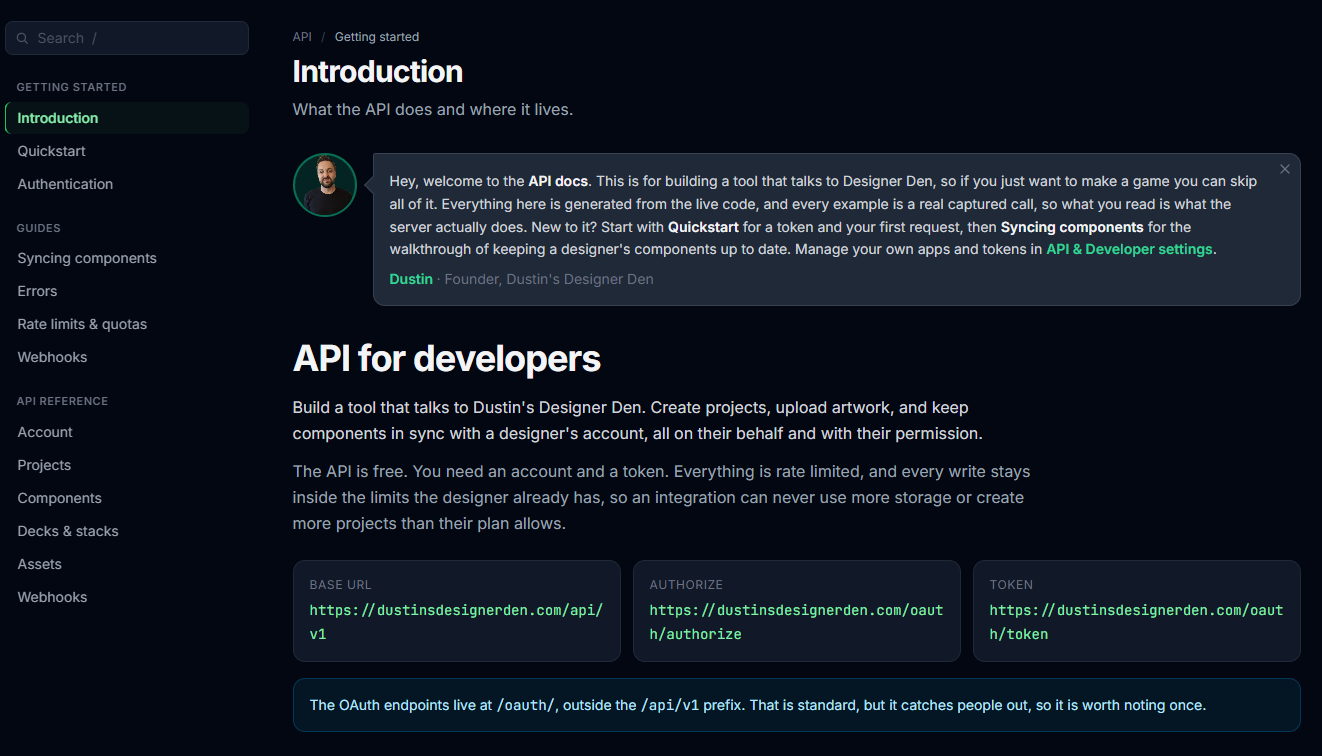
https://dustinsdesignerden.com/developers/api
New
- Public REST API. You can now build tools that work with a designer's projects on their behalf: read and write components, manage decks and stacks, upload artwork, and update project details. Free to use.
- Two ways to connect. Personal access tokens for scripts and self-hosted tools, or OAuth for hosted services, where designers approve your app on our site and can disconnect it whenever they like.
- Webhooks. Register a URL and get told when components or a project change, instead of checking on a timer.
- Developer docs. A quickstart, a walkthrough of keeping components in sync, and a reference for every endpoint at
/developers/api-> https://dustinsdesignerden.com/developers/api. - Connected apps. Designers can see every app they have approved and revoke any of them from their own settings.