
Everything new at Dustin's Designer Den
New features, fixes, competitions and notes from the workshop. Search every update, or pick a category to see just that.

So much room for activities!
Room Tools: More Room for the Table Desktop Tool settings now open in a dock on the right side of the room instead of a panel at the bottom. The table keeps its full height while a tool is open. This covers Grid, Zones, Layers, Text, Snap Points, Stickers, Mar...
Read the postMore updates
Page 1 of 6
 v1.0.215
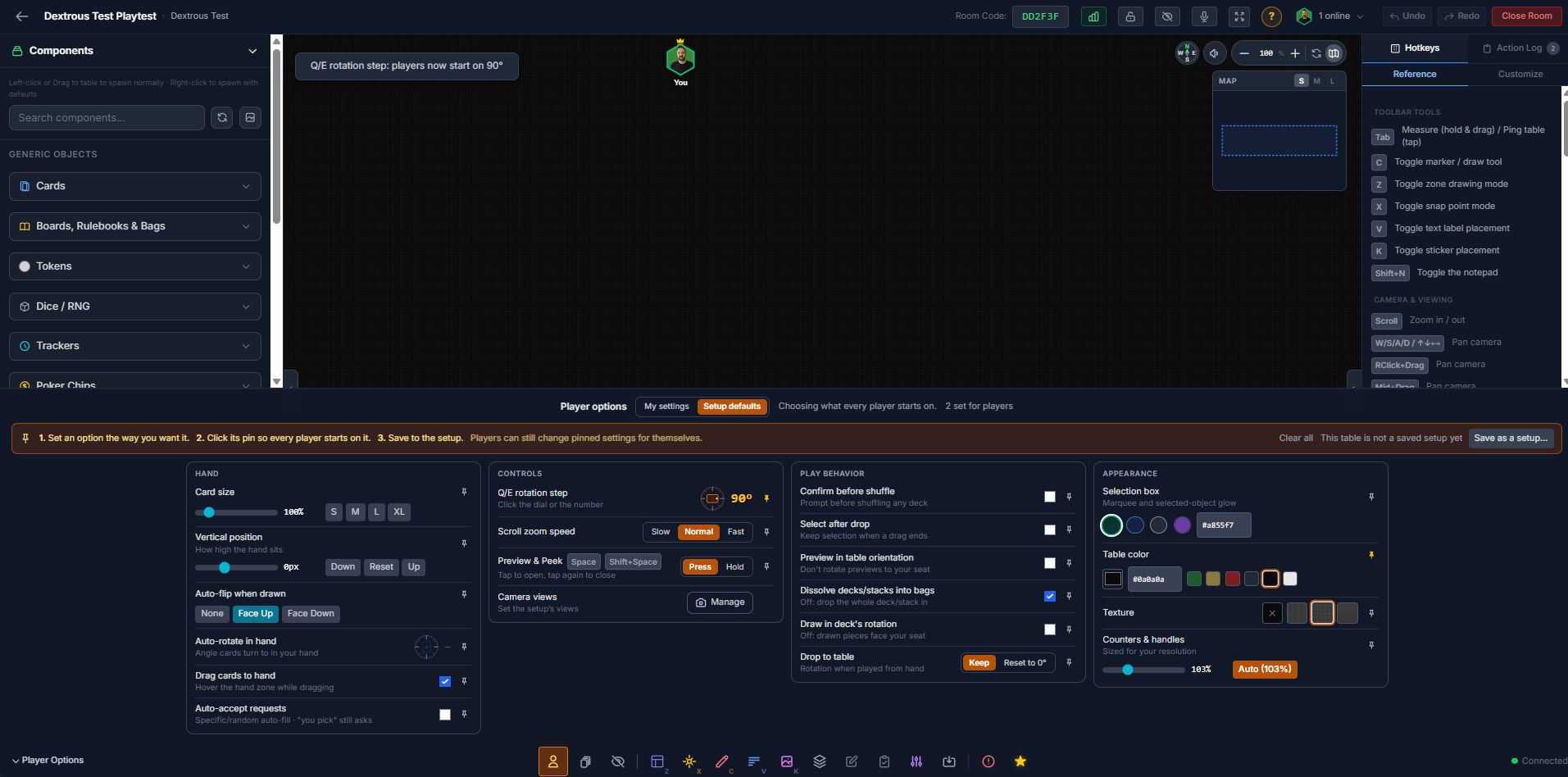
Setup Defaults and Layout Polish
Player Defaults and Redesigned Room Menus Player defaults for table setups Hosts can now choose the settings every player starts on, and save them with a setup. A hex game can star...
Read more
Contests and Accolades
Design Competitions, Designer Accolades, public designer profiles, and a big polish pass This is a big one. The Den now runs design competitions, awards Designer Accolades, opens d...
Read more
Fly Swatter Update (Bug Fixes)
New: The Game Crafter custom-cut parts Acrylic shapes and slugged punchouts now import as individual pieces, cut from the sheet along the real SVG cut lines. Each cut outline becom...
Read more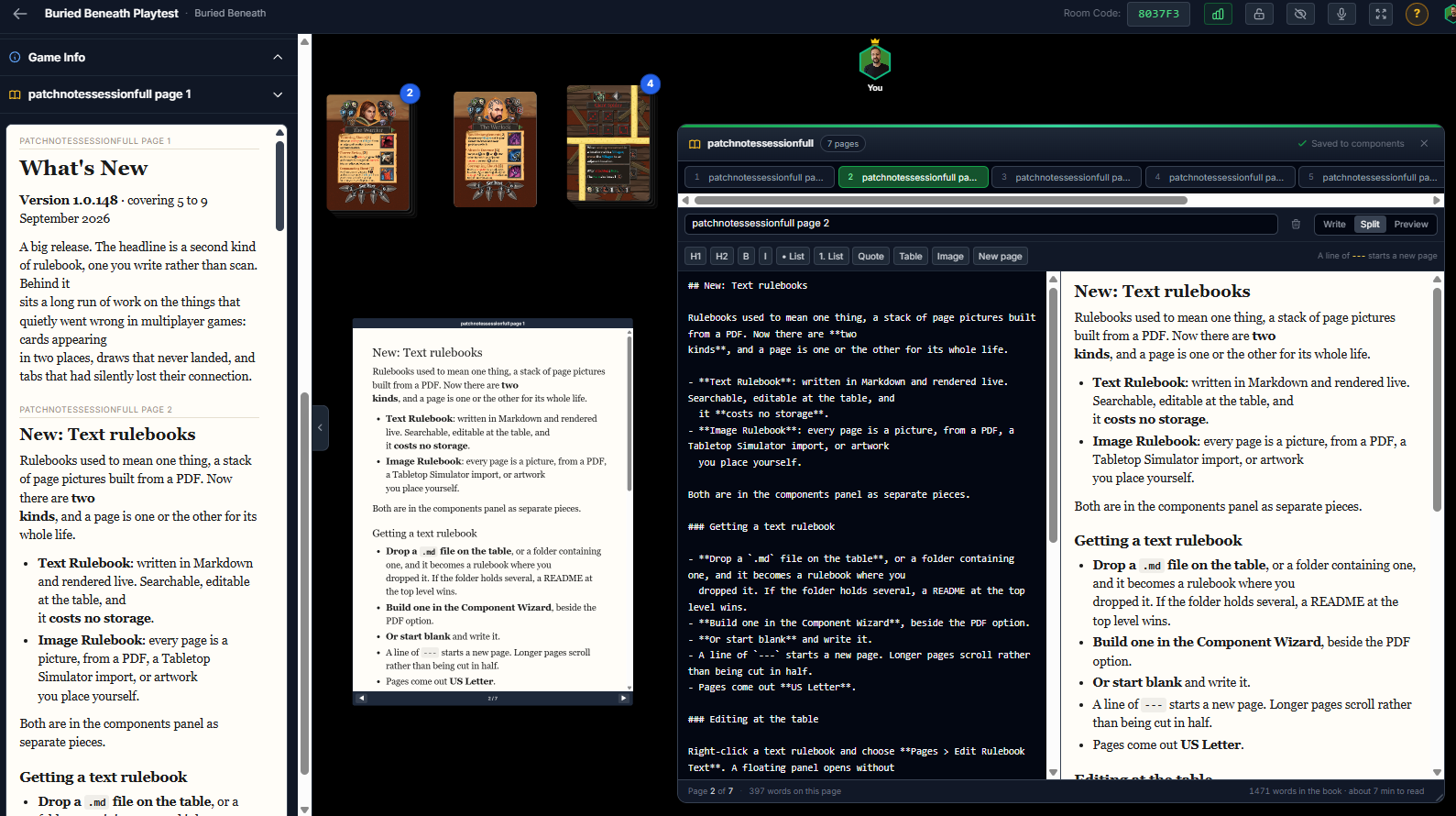 v1.0.151
Rules were meant to be broken... and then fixed!
What's New A big release. The headline is a second kind of rulebook, one you write rather than scan. New: Text rulebooks Rulebooks used to mean one thing, a stack of page pictures...
Read more
Hand Offsets
Set how high your own hand sits A Vertical Position slider in Hand Options, beside Card Size, with Down, Reset and Up presets. Lift the hand clear of the fold so you can see more o...
Read more
PDF - Pretty Darn Fun!
My Files accepts PDFs Rulebooks, print-and-play sheets and pitch documents can now live in your storage alongside the artwork they belong with. PDFs get their own tile in the file...
Read more
Quality Of Life Updates
Playtest Room Feedback forms can now be filled out anonymously. Panning while zooming now interupts the zoom instantly to feel more snappy. Loading and images One load screen for e...
Read more
You've reached a save point!
Playtest Room UI/UX A compass in the toolbar shows which way you are facing. Click or tap it to rotate your table view. Save & Load Game Progress (new) Any player at the table can...
Read more
Layer Restrictions
Playtest Room Compass (new). A compass now sits beside the volume button in the top right. It shows which way you are facing at the table (North, East, South, or West), with the ot...
Read more
Zone Layers
Two players drawing at once When two players drew from the same deck at the same exact moment and pulled the card straight into their hands, both has a very small chance they could...
Read more v1.0.40
Do you even auto-lift?
Auto-Lift Pieces sitting on a component now move with it. Drag a card, token or board and anything resting on top of it comes along, the way a snapped piece already follows the com...
Read more
Bug fixes and stability fixes
Playtest Room Stability fixes. Die, counter and timer settings fix. Zones no longer swallow clicks when the Zones tool is closed. You can drag a selection box across any part of th...
Read more