Finding the Right Publisher
The Publishers link in the main navigation opens the directory — every publisher who has chosen to list themselves. Spending a few minutes here before you pitch saves everyone time: a pitch that fits what a publisher is looking for gets a much better response.
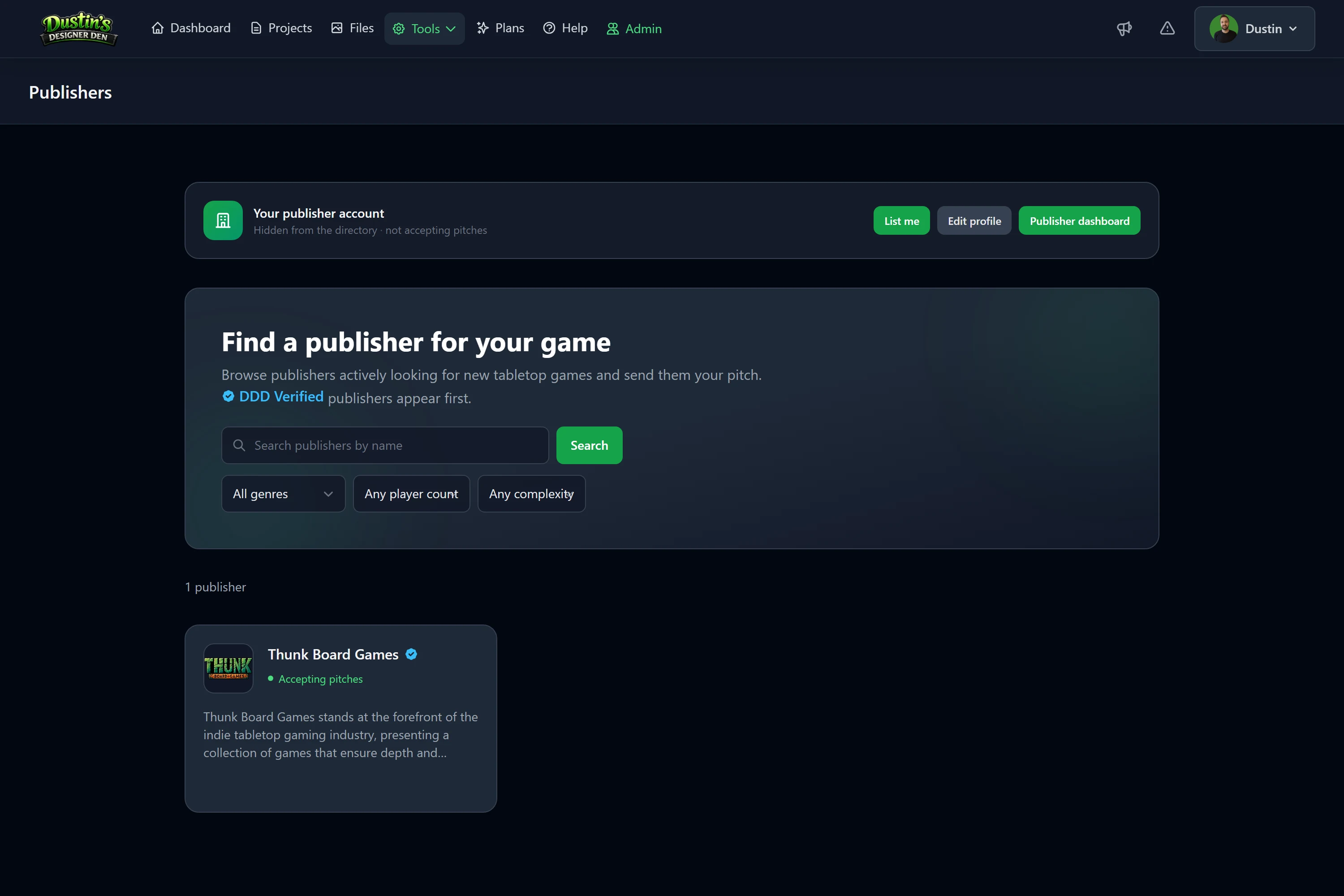
Reading a publisher card
Each card shows the essentials at a glance:
- the publisher's name and logo,
- a DDD Verified badge if they've been verified by Designer Den,
- whether they're accepting pitches right now,
- and a few of the genres they publish.
Verified publishers appear first in the directory.
Note
The DDD Verified badge means Designer Den has confirmed the publisher is legitimate. It is not an endorsement or a guarantee — always do your own due diligence before signing anything.
Filtering
Use the filters at the top of the directory to narrow things down:
- Genre — e.g. strategy, family, party, deck building.
- Player count — find publishers open to games for your player range.
- Complexity — from light to heavy.
- Search — match a publisher by name.
Only publishers who declared a given facet match its filter, so filtering by "Worker Placement" shows publishers who specifically said they want worker-placement games.
The publisher's profile page
Click any card to open the full profile. Here you'll find:
- the publisher's About description,
- exactly what they're looking for (genres, player counts, complexity),
- their submission guidelines — read these carefully before pitching,
- and a Submit a pitch button when they're accepting.
Tip
If a publisher's guidelines say they aren't taking a certain kind of game, believe them. Pitching anyway is the fastest way to get a polite "not a fit."
If a publisher isn't currently accepting pitches, you'll see that on their card and profile, and the pitch button is disabled. Check back later — they may reopen.
Related: Submitting a Pitch · Publishers & Pitching: Overview