Attaching a Playtest Setup to a Pitch
The best way to show a publisher what your game is — instead of just telling them — is to let them play it. When you pitch, you can attach one of your saved table setups, and the publisher gets a one-click button to launch your game in a private playtest room.
What you need first
A saved table setup for the project you're pitching. A setup is a snapshot of a fully arranged table — board placed, decks built, zones and player areas laid out. If you don't have one yet:
- Open the project in the playtest room.
- Arrange everything the way play should begin.
- Save it as a setup.
Attaching it
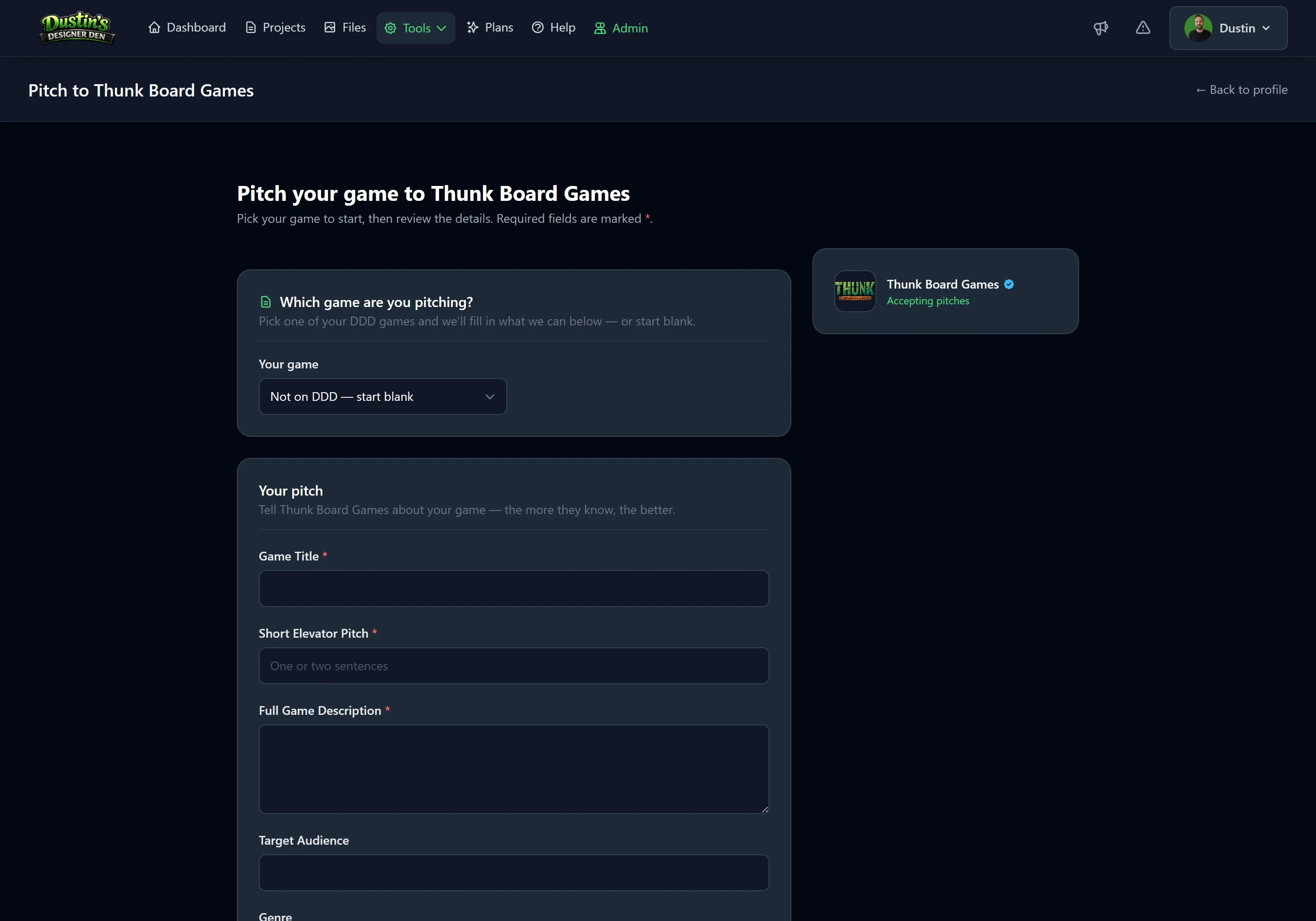
On the pitch form, find the Playtest setup (optional) section, choose the game / project, then choose the setup to share. Submit your pitch as normal.
Note
Only projects that have at least one saved setup appear in the picker. If your game isn't listed, save a setup for it first.
What the publisher gets
On their copy of the pitch, the publisher sees a Playable setup card showing your game and setup names, with a Load & test setup button. One click opens a fresh, private playtest room loaded with your exact arrangement — they can move pieces, draw cards, and try the game just like any room.
Your game stays private
This is the important part:
- Attaching a setup to a pitch does not make your project or setup public.
- It won't appear in the community lobby or the public setup list.
- Only people who can see the pitch — the receiving publisher, you, and Designer Den admins — can launch it.
Important
Each launch creates a brand-new, temporary room from a copy of your setup. Whatever a publisher does in their test room never changes your saved setup or your project.
Tip
Give your setup a clear name like "Two-player demo" or "Full game, 4 players" before attaching — that name is what the publisher sees.
Removing access
The access rides along with the pitch. If you'd rather a publisher couldn't keep testing, the simplest options are to keep sensitive work in a separate project, or pitch a setup made specifically for evaluation.
Related: Submitting a Pitch · Saved Table Setups · Starting & Joining Rooms