Publishers & Pitching
Designer Den isn't just where you build and playtest a game — it's also where you can put it in front of publishers. The Publishers area connects two kinds of people:
- Designers looking for a home for their game.
- Publishers looking for their next title.
The whole flow lives under Community → Publishers in the main navigation.
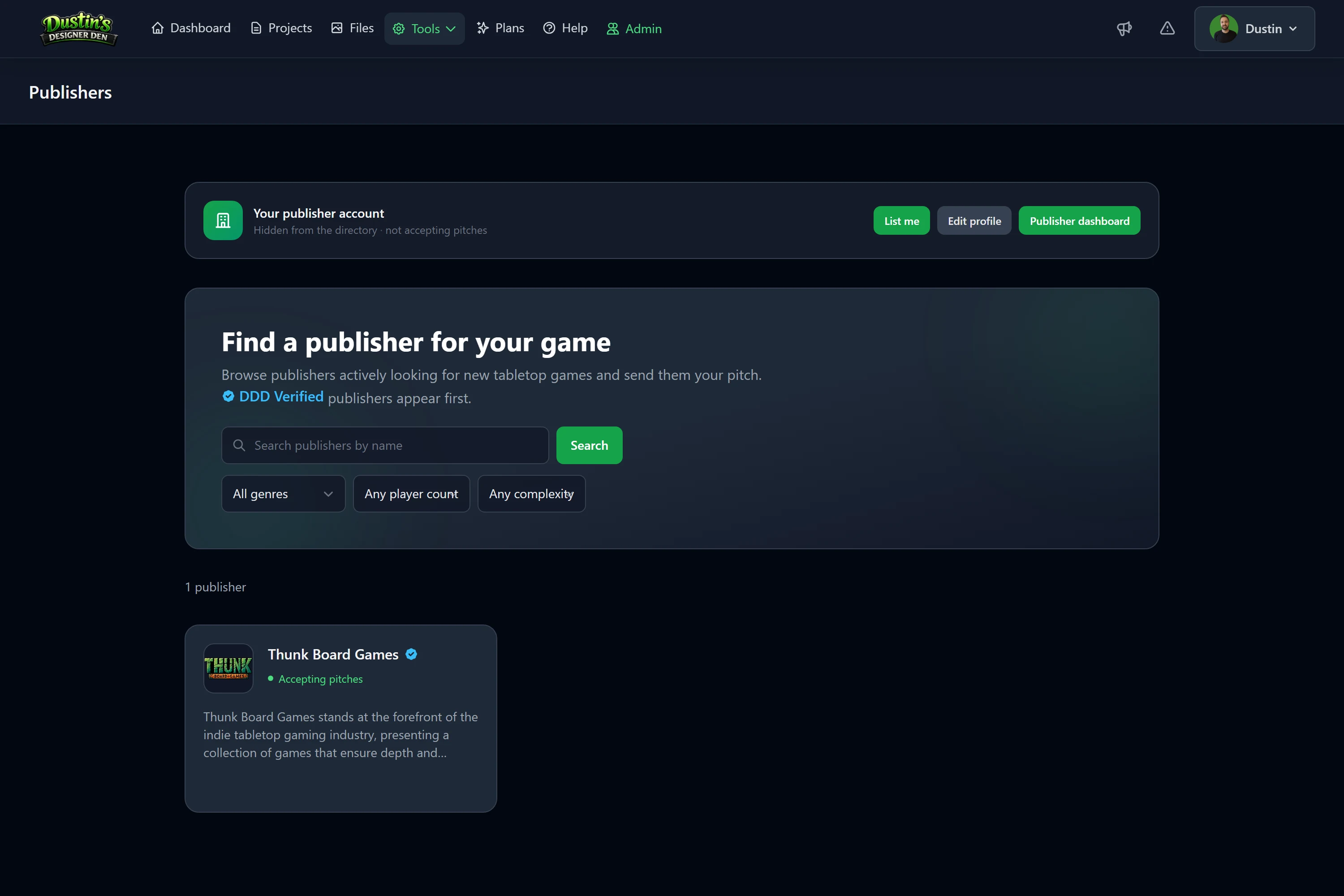
For designers
You can browse a directory of publishers, see exactly what each one is looking for, and send them a structured pitch — without leaving Designer Den. Best of all, you can attach a live playtest setup to your pitch so a publisher can load your game into a private room and actually play it.
Start here:
For publishers
Publisher mode is a free add-on to any account — you keep your normal designer access. You get a public profile, control over what you're looking for, a customizable pitch form, and an inbox to review and respond to submissions.
Start here:
Note
Anyone can be both. Enabling publisher mode never removes your designer tools — you can pitch your own games and receive pitches from the same account.
How a pitch travels
- A publisher sets up their profile and turns on Accepting pitches.
- A designer finds them in the directory and submits a pitch, optionally attaching a playtest setup.
- The publisher reviews it in their inbox, sets a status, and can message the designer back.
- Both sides keep the conversation in one threaded place until the pitch is closed.
Related: Finding the Right Publisher · Submitting a Pitch · Becoming a Publisher