Playtest Sessions & Feedback
Every game you run is worth recording. A playtest session is the logged history of one play: when it happened, who was there, how long it ran, what occurred, and what players thought. Sessions live in a project's Playtests tab, and they're the raw material behind your analytics.
How Sessions Get Logged
There are two ways a session ends up in your history:
- Automatically, from a room. When you close a realtime playtest room, a session is saved to the project for you, capturing the duration, the action log, and any feedback submitted during play.
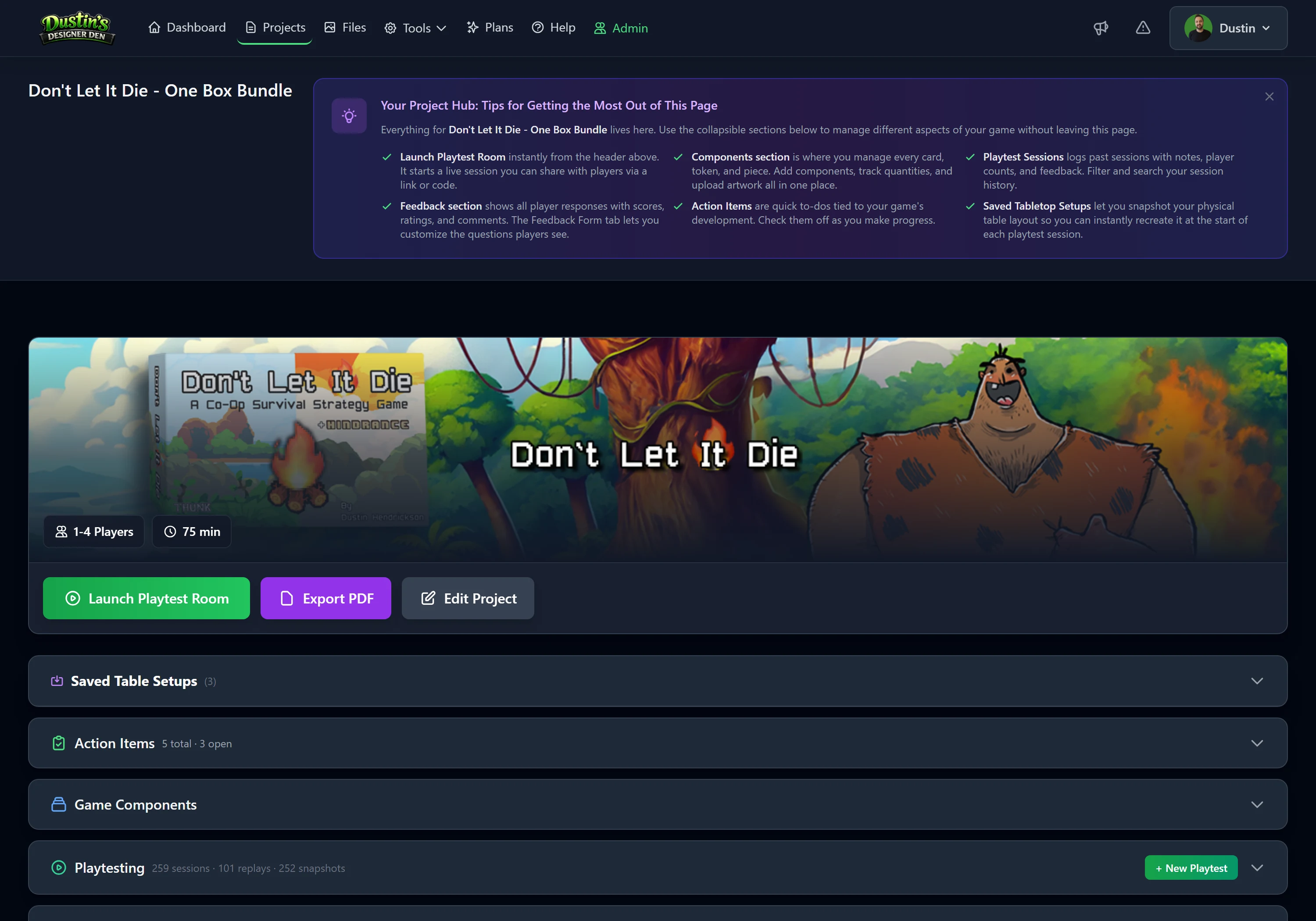
- Manually. Played in person, or want to record an old session? Go to the project's Playtests tab, click + New Playtest, and fill in the player count, duration, notes, and a rating.
Collecting Feedback During a Game
While a room is open, players can submit feedback at any time without waiting for the end. The form asks for ratings (like fun, difficulty, and rule clarity), a "would you play again?", a favorite part, what could improve, and any extra comments. Each submission is saved to the session immediately and tagged with the player's name, and a player can submit more than once.
Tip
Remind players to submit before they close the tab. Once they leave, the moment is gone. Feedback collection works on every plan.
Reviewing & Exporting
Open any session from the Playtests tab to read its notes and feedback. You can export a session's full action log as CSV or JSON (see Exports), and Pro accounts get aggregated trends across many sessions in Playtest Analytics.
Note
Want to watch a session play back move by move rather than read a log? That's Session Replay (Pro).
Related: Playtest Analytics · Session Replay · Player Tools