Starting & Joining Rooms
A playtest room is a live virtual tabletop. The host opens one from a project, shares a short code, and players join straight from their browser. No one but the host needs an account.
Hosts: Starting a Room
There are four ways to open a room, depending on where you're starting from:
- From the Projects page: click Start Playtest Room on the project's card. This is the quick action.
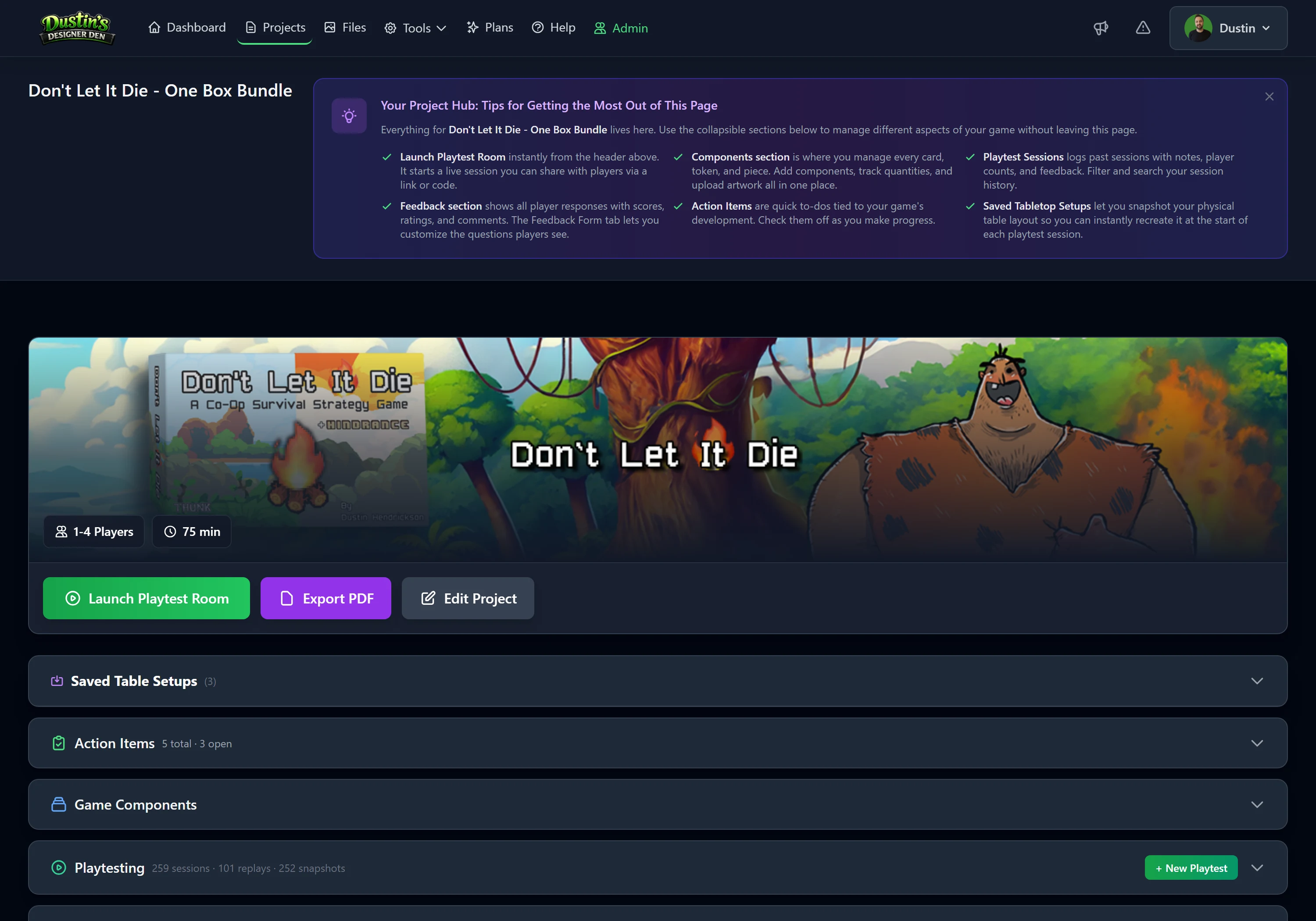
- From the project page: click Launch Playtest Room in the header. It opens a blank table, or loads the project's default saved setup if you've marked one.
- From a saved setup: open the project's Saved Table Setups and launch a room pre-loaded with that exact arrangement.
- From inside a room: click Fresh Room in the host toolbar's Save & Sync panel to open another blank room for the same project in a new tab, without leaving your current session.
However you start, you land on the table as the host, with your project's components in the left sidebar.
Note
You can only host from a project you have full access to. A read-only project (one you've locked, or any project after downgrading to Free past the limit) can't start rooms, and its persistent rooms are closed. Unlock the project (see Projects) or upgrade to host again.
Tip
Save a "clean start" setup once, with your board down and decks shuffled, and every future session opens ready to play in a single click. See Saved Table Setups.
Inviting Players
Every room has a six-character code (like ABC123) shown in the top bar.
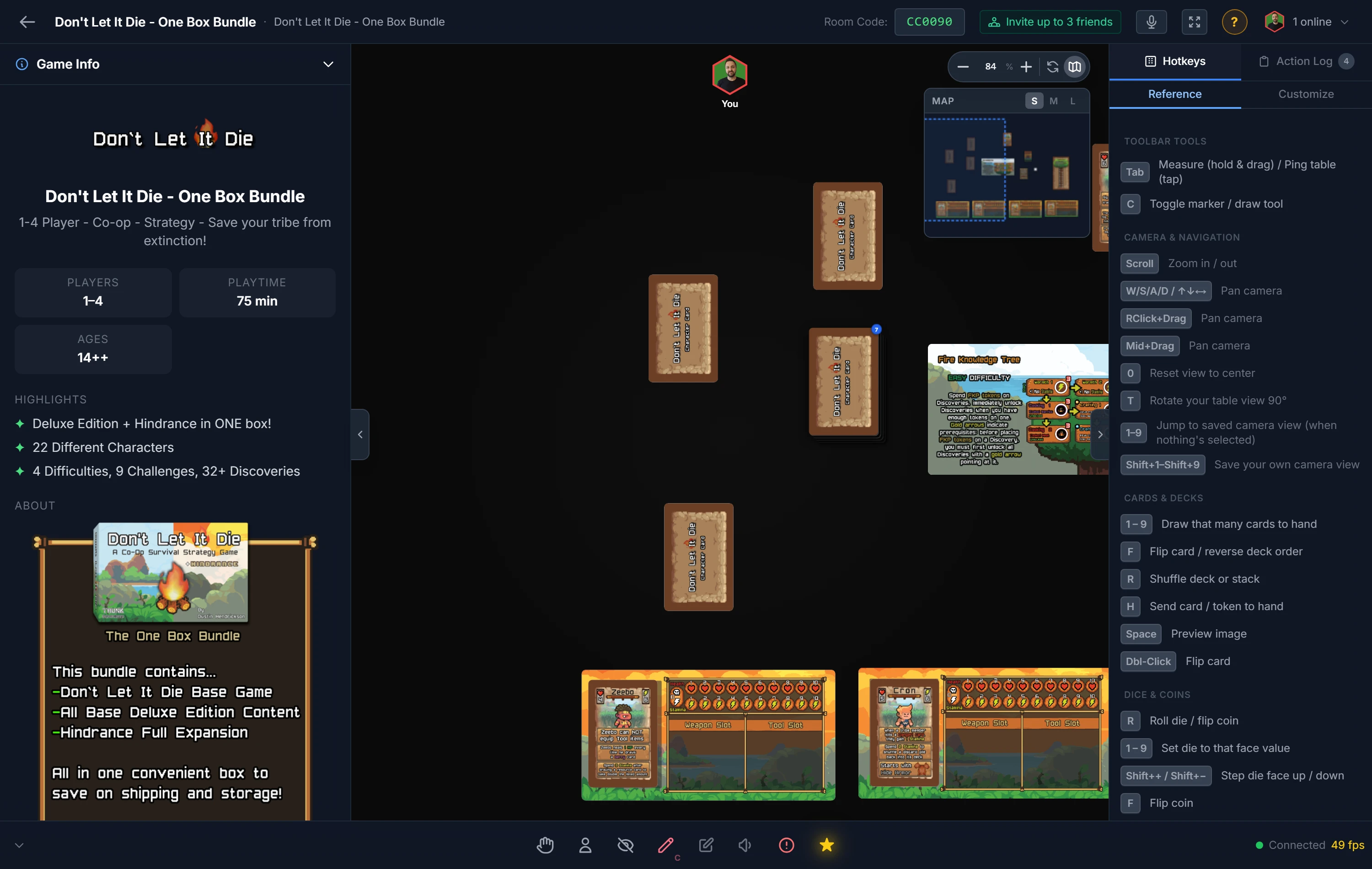
- Click the code to copy the full invite link to your clipboard.
- Share it however you like: Discord, Slack, email, or text.
- Players open the link, enter a display name, and click Join Room.
Players: Joining a Room
If you're a player, you don't need an account or any software:
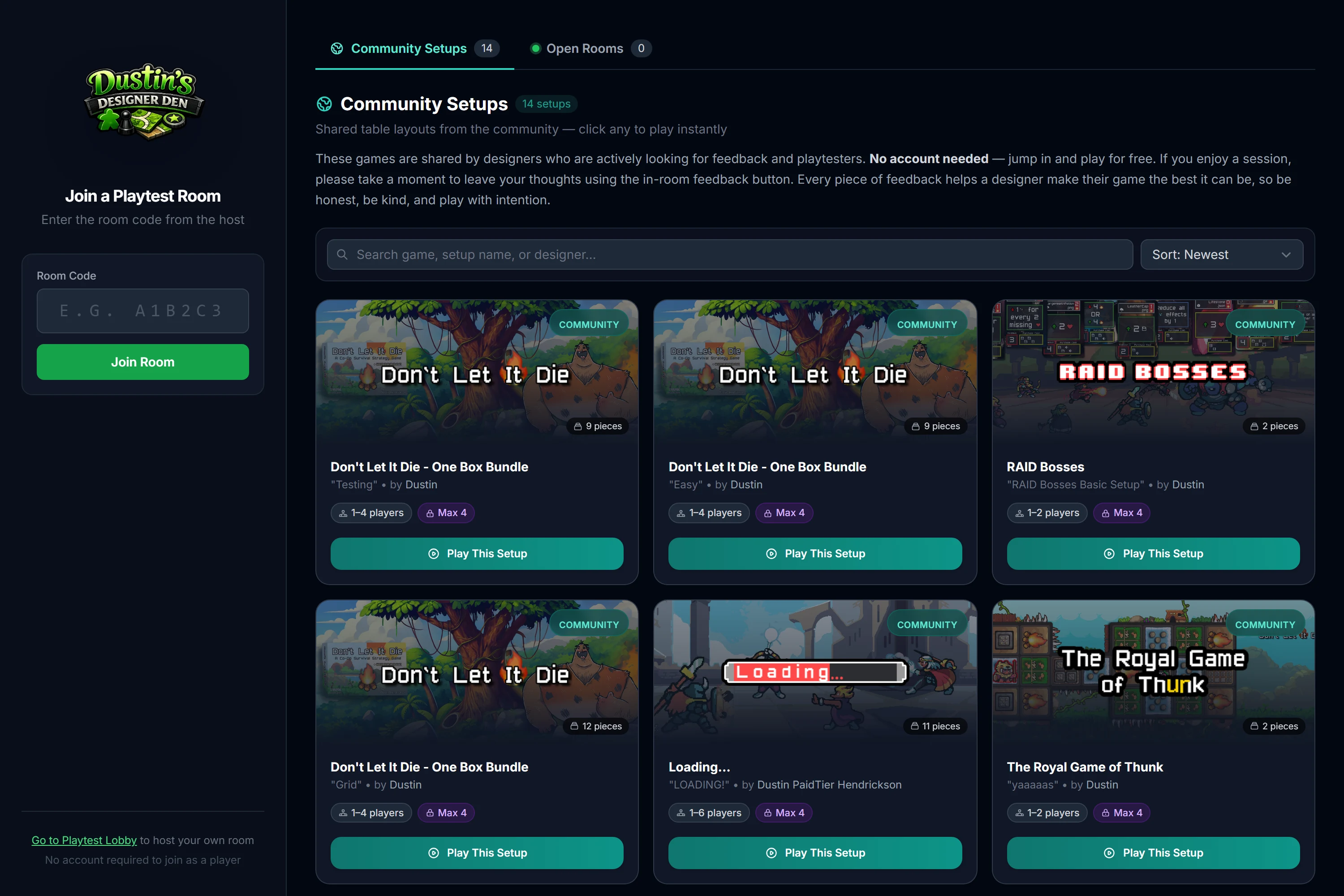
- Open the link from your host, or go to the public join page and enter the six-character code.
- Enter a display name, or use Random name.
- Click Join Room.
Your cursor appears on the table right away, visible to everyone in real time.
Note
Free rooms hold up to 6 players; Pro rooms up to 10. See Plans & Pricing.
Related: Players, Hosts & Co-Hosts · Camera, Navigation & Mobile · Realtime Playtest overview