The Game Crafter Import
The Game Crafter is a print-on-demand manufacturer for board games. If you already have a game set up there, Designer Den can import the whole thing into a project, components and all, so you don't re-enter anything by hand, and keep it in sync as you make changes on their side.
Important
This integration requires a paid (Pro) plan and a connected The Game Crafter account. You don't need either to use Designer Den itself, only to import from The Game Crafter.
Connecting Your Account
The first time you import or sync, you'll be sent through The Game Crafter's secure sign-in (SSO) to connect your account. This is a one-time step; afterward Designer Den keeps the connection so future imports don't ask again. You can also manage the connection from your Account & Profile page under GameCrafter Integration.
Importing a Game
- Open the project you want to import into, then click Edit.
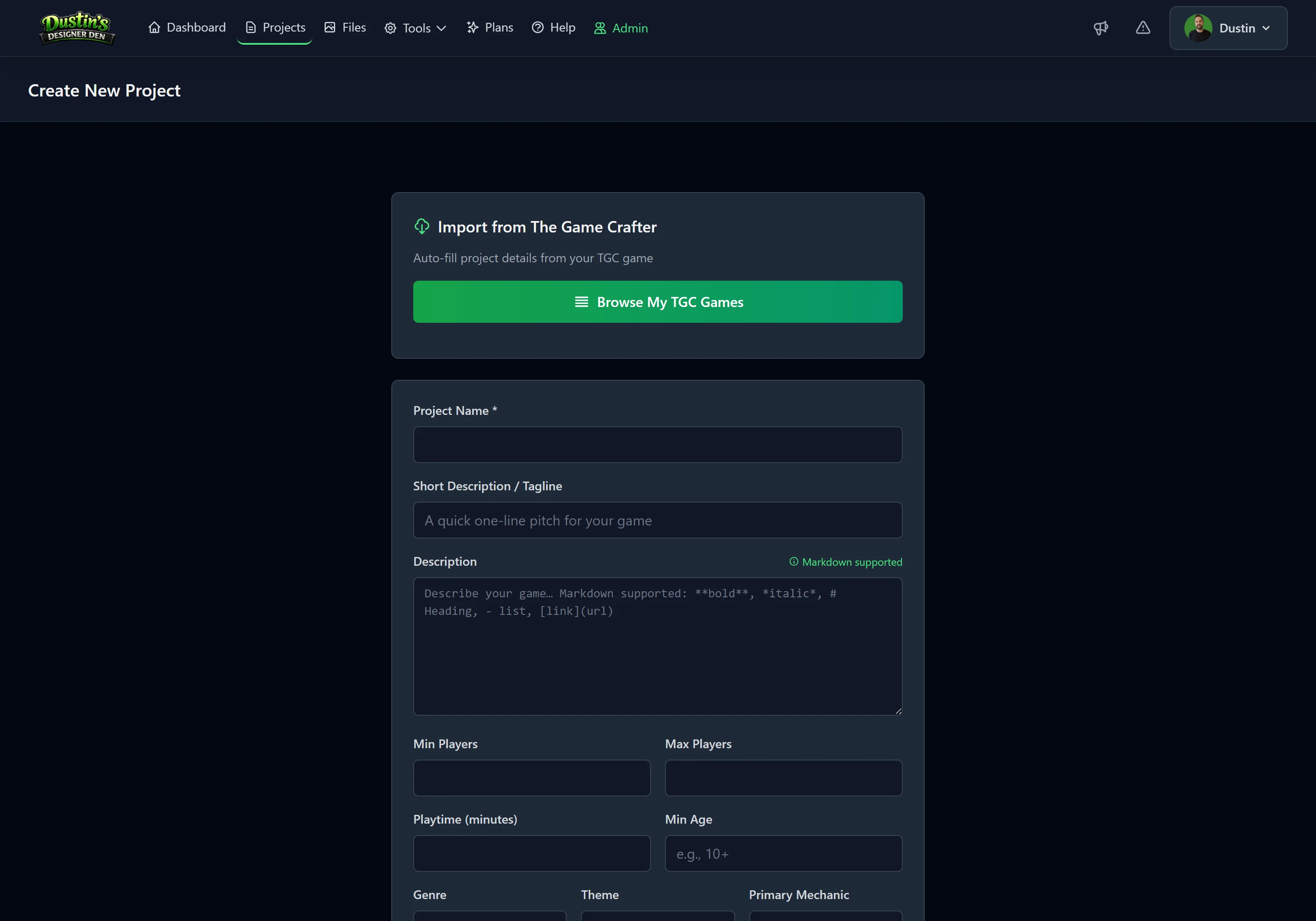
- Find the Import from The Game Crafter panel. If you aren't connected yet, you'll be prompted to authorize.
- Paste your Game ID, the number from the game's URL,
thegamecrafter.com/make/games/{ID}. - Click Import Game.
Designer Den verifies the game exists, then pulls it in. Larger games import in the background with progress shown.
What Gets Imported
The import recreates the game inside your project:
- the game's name and description,
- its components, decks and cards (with face and back images), boards, tokens, and other parts,
- its custom-cut parts (acrylic shapes and slugged punchouts), cut into one token per piece (see below),
- and The Game Crafter pricing, which feeds your project's cost estimate.
Note
Imported components are linked back to their Game Crafter game, so a later re-sync updates them in place rather than creating duplicates.
Custom-Cut Parts
Acrylic shapes and the custom-cut ("slugged") punchouts are one printed sheet plus an SVG cut file on The Game Crafter. Designer Den cuts them for you: each closed shape in the cut file becomes its own token, numbered top to bottom and then left to right and named after the part ("Ship Tokens 1", "Ship Tokens 2", ...), with its front and back cut from the two sides of the sheet at full resolution. Each piece keeps the part's quantity and takes its physical size from the sheet's dimensions when The Game Crafter records them.
The cut outline becomes a mask in your mask library, named after the part ("Ship Tokens cut 1"; pieces with the same outline share one), and the token's Token Shape is set to it. The artwork keeps its own transparency and sits on the color, exactly like any other token (see how the layers stack), so the piece is the shape that was cut and its color shows wherever nothing is printed.
That color is the material:
- Clear acrylic: white at 0% opacity, so the table shows through the unprinted parts of a piece.
- Colored acrylic: the sheet's color at 100% opacity for opaque and fluorescent colors, and translucent colors at 55%, so a little of the table shows through them.
- Punchouts: white at 100%, the opaque white stock they are printed on.
Both faces get the same color, so a one-sided part shows the bare material on its back. Change the color or opacity on the component and the piece changes with it. An acrylic color code Designer Den does not know is treated as clear, and the completion message says so.
The part's price goes on the first piece, with the part's quantity, so your cost estimate counts the sheet once rather than once per piece.
Two things to know:
- Pieces are cut from the full-size files, which The Game Crafter only serves to a connected account. Without one they are cut from the low-resolution previews and the import says so ("cut from The Game Crafter's low-resolution previews"). Connect your account and import again for full-size pieces.
- Re-syncing keeps the pieces you already have when the part's files have not changed (a changed material only recolors them), and cuts them again when the files changed or a piece's mask was deleted from your library. The pieces live in your file storage, in the
gamecrafter-cutoutsfolder, in the image format you chose for uploads. - A piece comes out the way it sits on the sheet. The Game Crafter packs parts onto a sheet in whatever orientation fits, and packs the front and back sheets separately, so a piece can arrive lying on its side, or with one face upside down relative to the other. Nothing in the cut file says which edge is meant to be the top, so this is yours to set: open the piece on the Components page, or right-click it in a room and choose Edit Component…, then use the 90°, 180° and 270° buttons under a face to turn it. Both rewrite the stored images, so every copy of the piece follows; see Components.
If a part cannot be cut (no cut file, an unreadable cut file, a cut file drawn for a different sheet shape, or no room left in your storage), it imports as one sheet-sized token and the completion message names the part and the reason.
Re-syncing
Once a project is linked to a Game Crafter game, a Re-sync button appears on the project's edit page. Click it to pull the latest data from The Game Crafter, useful after you've changed components or artwork on their side.
Related: Components · Dextrous Import · Projects · Account & Profile · Tabletop Simulator Import