Timers
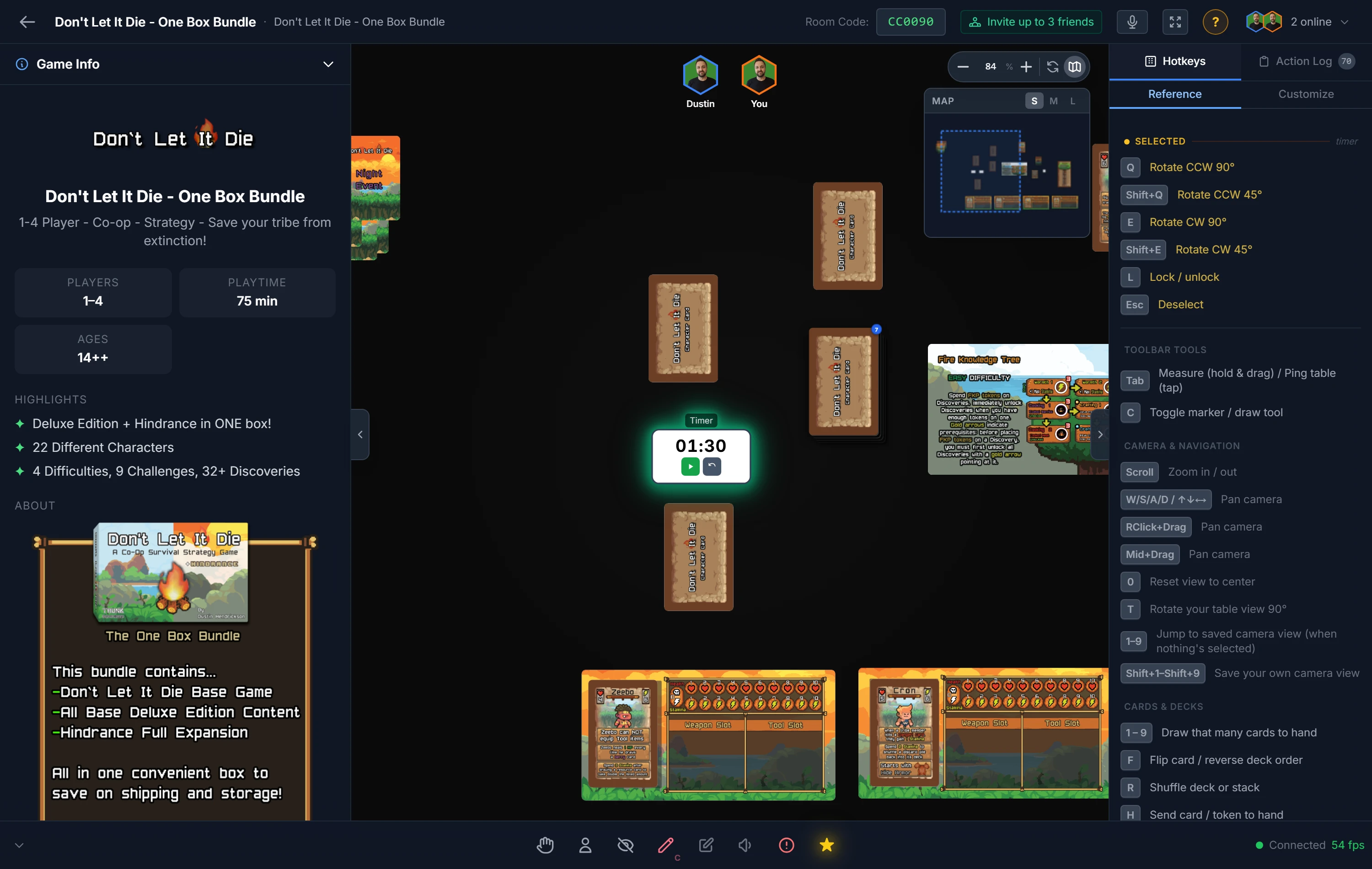
A timer is a shared countdown clock for the table. Everyone sees the same time tick down, which makes it ideal for turn time limits, timed phases, or a real-time round.
Setting the Time
Add a timer, then set its duration: pick a preset (30 seconds, or 1, 2, 5, or 10 minutes) or enter a custom number of seconds.
Running It
The controls sit right on the piece:
- Start the countdown,
- Pause it,
- Reset it back to the full duration.
The timer's state is easy to read at a glance: it glows green while running, and pulses red with an audible alert the moment it hits zero.
Tip
You can run several timers at once. That's handy for games with simultaneous per-player clocks, or when you want one timer for the turn and another for the whole round.
Note
A timer counts down on its own. For a number you raise and lower by hand (like score or health), use a Counter.
Related: Counters · Player Tools · Host Controls