Counters
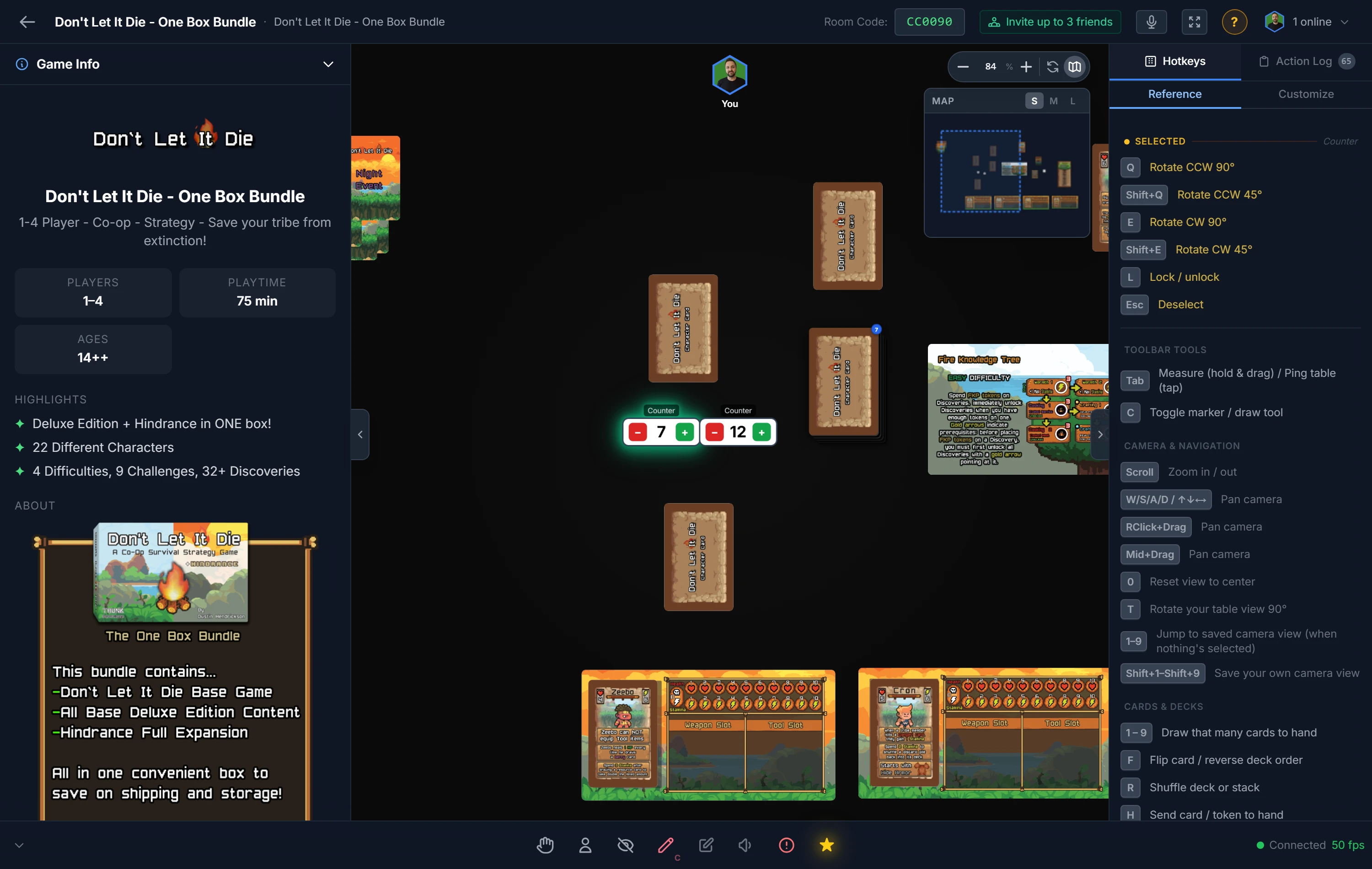
A counter is a number you track on the table instead of on paper. It shows a label and a value, with − and + buttons right on the piece. Use one for victory points, life totals, ammunition, the round number, anything with a running total.
Using a Counter
A counter starts at zero. Any player can click its − and + buttons, and the new value syncs to the whole table instantly, so there's never a question about whose total is current.
- Add one from the right-click table menu (host), or the sidebar's generic pieces.
- Rename it so everyone knows what it tracks, for example "Red VP" or "Wounds."
- Recolor it to match a player or team: Background Color and Number Color are in its right-click menu.
Tip
Give each player their own counter in their color and score-keeping becomes self-service. You end the game with a clean, shared tally and no arguments about who's ahead.
Note
A counter is for a value you change by hand. For a number that counts down on its own, you want a Timer.
Related: Timers · Player Tools · Moving & Arranging Objects