Coins
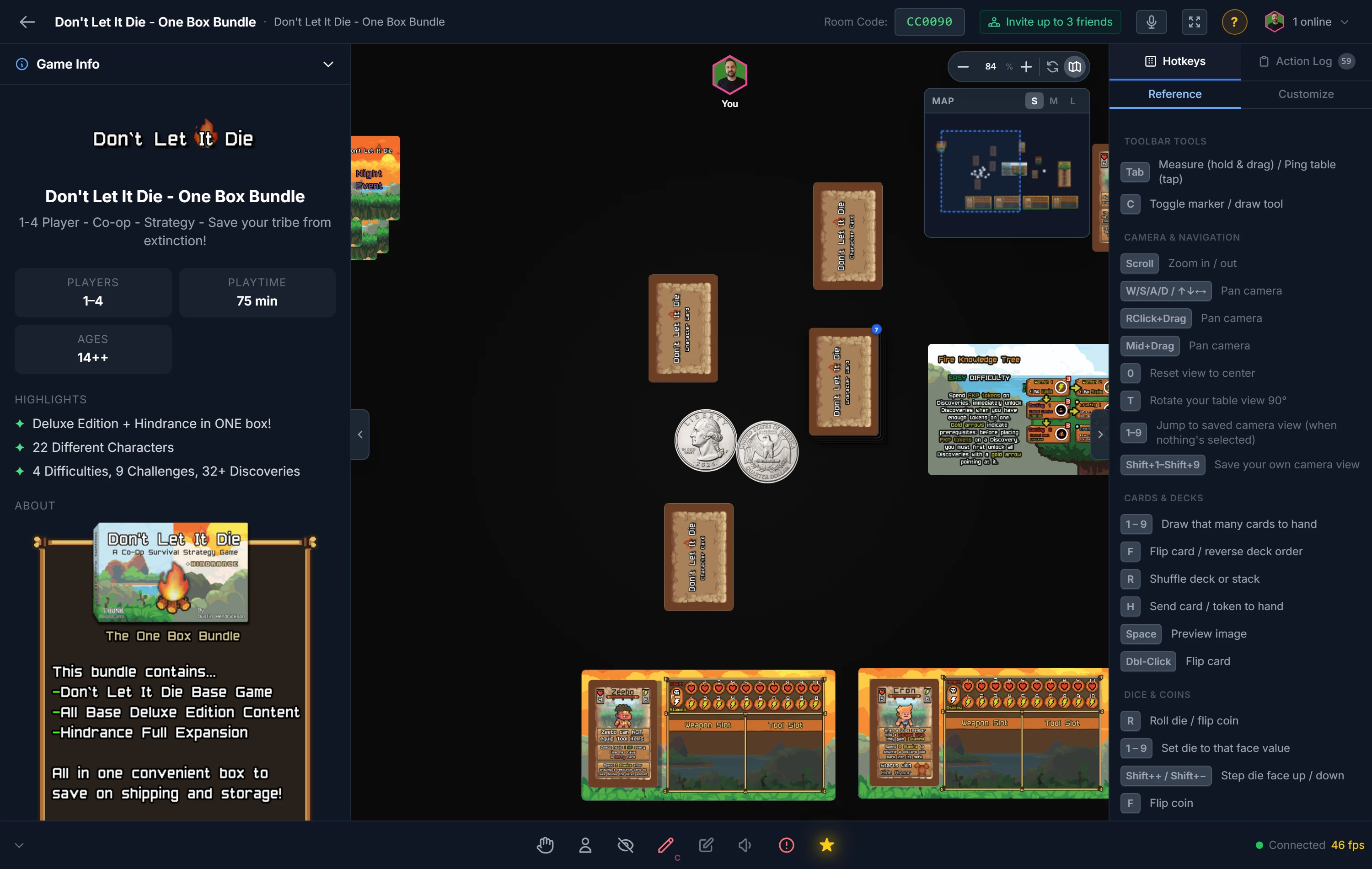
A coin is the simplest randomizer there is: two sides, one flip. Reach for it whenever a game needs a clean 50/50, a coin toss for first player, a heads-or-tails event, or any binary outcome.
Flipping
Select the coin and press R, or double-click it. It flips to heads or tails, animated for everyone, and the result is logged like any other roll.
Colors
Right-click the coin to set its heads and tails colors. Color-coding makes the two faces easy to read at a glance across the table, and lets you match a coin to a player or team.
Note
Want a coin with custom artwork on each face rather than plain colors? Build it as a Coin component in your project. See Component Types.
Related: Dice · Spinners · Probability Calculators