Dice
Dice are the most common randomizer in tabletop games, and they work just like the real thing: drop one on the table and roll it. Every roll is animated, shown to the whole table, and written to the action log, so results are always shared.
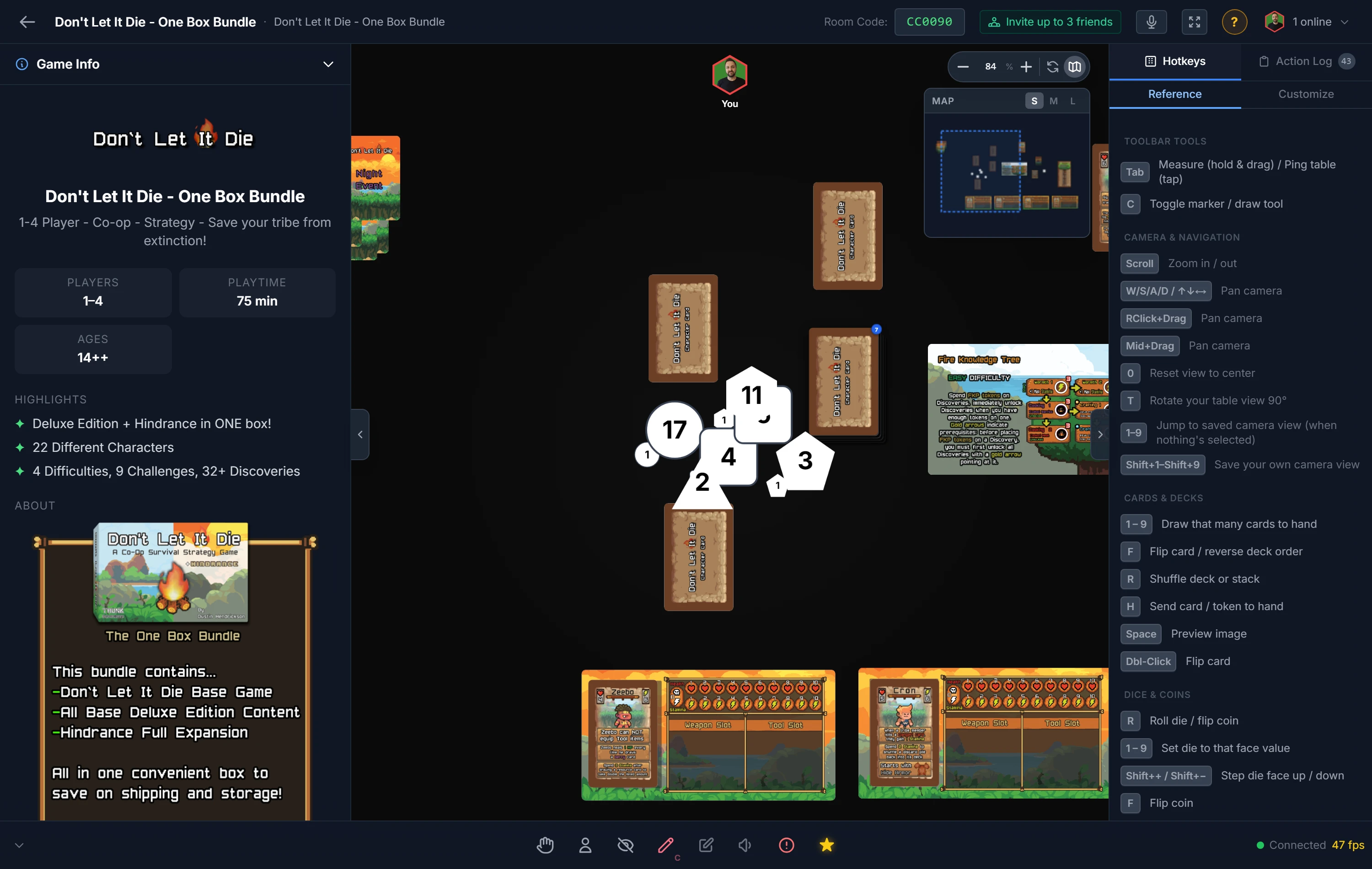
Rolling
Select a die and press R, or double-click it. The die tumbles and lands on a result that everyone sees.
To roll several at once, select multiple dice first, then roll. Each is rolled independently and logged, perfect for a fistful of damage dice.
Standard Sizes
Generic dice come in the usual sizes: D4, D6, D8, D10, D12, and D20. Spawn them from the sidebar, or right-click the table (host) for a quick D6 or D20.
Setting a Value by Hand
Sometimes you need a die to show a specific number rather than a random one, for example to set up a starting state.
- Set a face by pressing a number key,
1through9. - Step a value up or down one pip at a time from the right-click menu.
Custom Dice
Need symbols instead of pips, an action die, a resource die, a custom d6 with icons? Build it as a project component, where you can upload an image for each face. See Component Types.
Tip
Want to know your odds before you roll? The Probability Calculators work out dice-pool results so you can balance a mechanic before the table ever sees it.
Related: Coins · Spinners · Probability Calculators